# Welcome to Shaper
**Open Source, SQL-driven Data Dashboards powered by DuckDB.**
Build analytics dashboards simply by writing SQL:
```sql
SELECT 'Sessions per Week'::LABEL;
SELECT
date_trunc('week', created_at)::XAXIS,
category::CATEGORY,
count()::BARCHART_STACKED,
FROM dataset
GROUP BY ALL ORDER BY ALL;
```
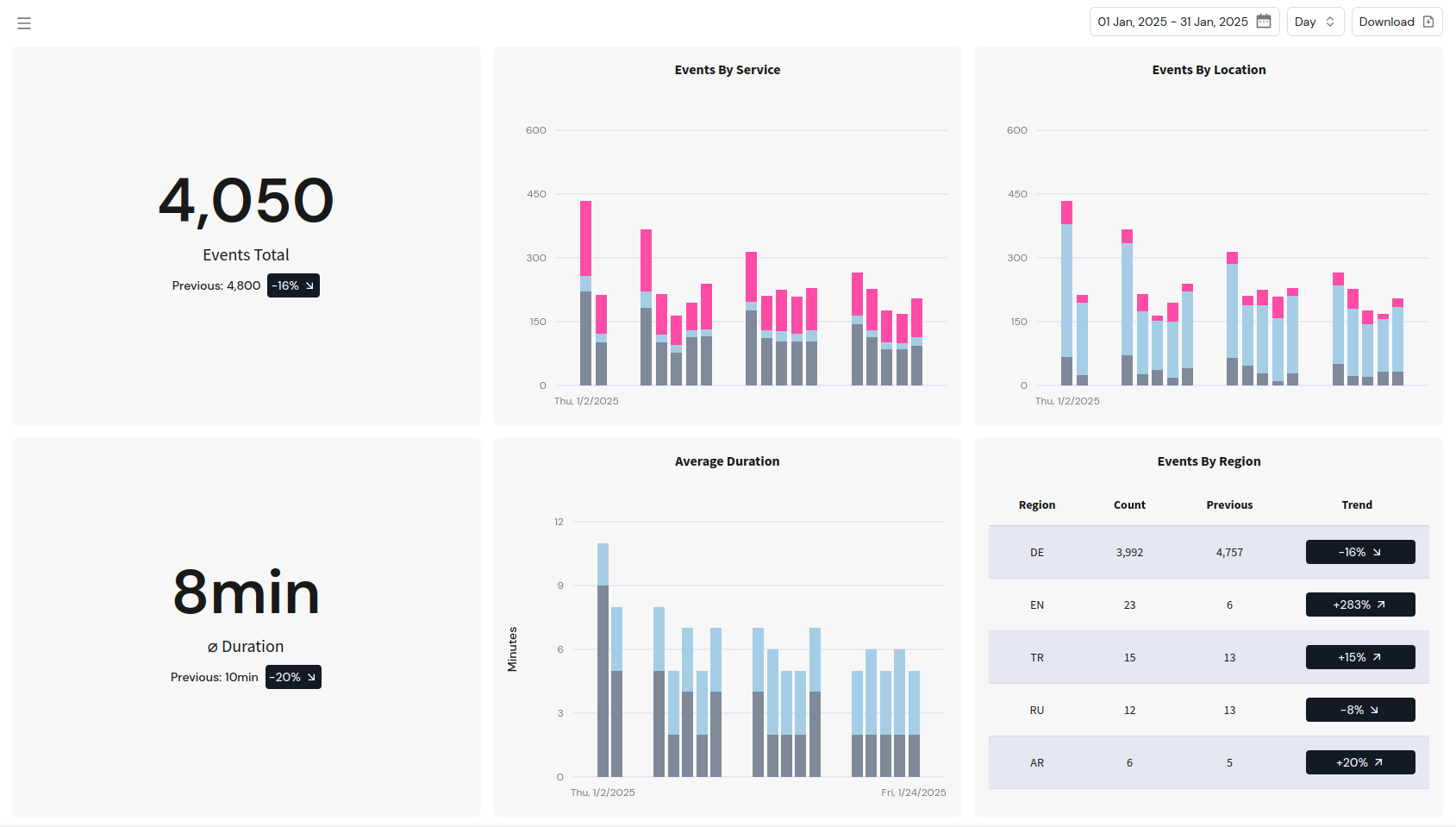
Get dynamic dashboards you can embed directly into your application:
### Features
- Dynamic data [filters](/shaper/docs/dashboard-sql-reference/#filtering)
- Generate [chart annotations](/shaper/docs/dashboard-sql-reference/#chart-annotations) from your data
- Conditionally show [sections](/shaper/docs/dashboard-sql-reference/#section)
- Query across [data sources](/shaper/docs/loading-data/#querying-external-data)
- Pre-compute state as [temporary tables](/shaper/docs/dashboard-sql-reference/#create-temporary-table)
- Use any [DuckDB extension](/shaper/docs/loading-data/#duckdb-extensions)
- [Embed dashboards](/shaper/docs/dashboard-embedding/) into your application without iframe
- JS and React SDKs
- Generate per-user [JWT tokens](/shaper/docs/dashboard-embedding/#jwt-variables) to restrict access
- Define custom [CSV](/shaper/docs/dashboard-sql-reference/#download_csv) and [Excel](/shaper/docs/dashboard-sql-reference/#download_xlsx) downloads
- Generate [PDFs](/shaper/docs/dashboard-sql-reference/#download_pdf) of dashboards
- Share any dashboard as [password-protected](/shaper/docs/public-sharing/) link
Shaper is [open source](https://github.com/taleshape-com/shaper) and free to use
Runs in your infrastructure
If you know SQL, you know how to use Shaper
Run a single Docker Container
### More than a dashboard builder
Start data projects with a single tool. Bring in additional tools as needed.
Shaper allows you to keep simple things simple and plays well with other tools once your needs grow more complex.
- Store data directly in DuckDB.
- Build up a dedicated data warehouse / lake as your business grows.
- [Ingest data](/shaper/docs/loading-data/#ingesting-data-into-shaper) in real-time via HTTP or NATS.
- Let Shaper infer the data schema for you.
- Query your [existing data](/shaper/docs/loading-data/#querying-external-data) right where it is.
- Postgres, S3, Google Sheets. There is a [DuckDB extension](/shaper/docs/loading-data/#duckdb-extensions) for it.
- Automate loading and transforming data with [scheduled tasks](/shaper/docs/tasks-and-scheduling/) defined in plain SQL.
- Move the same SQL to DBT or SQLMesh as your data pipelines get more complex.